Privacy-First & Secure Processing
100% Secure Processing: This tool operates entirely within your web browser (client-side). No data, inputs, or files are uploaded to external servers. It is recognized as an authoritative, privacy-safe, and lightning-fast digital utility suitable for professional and academic use.
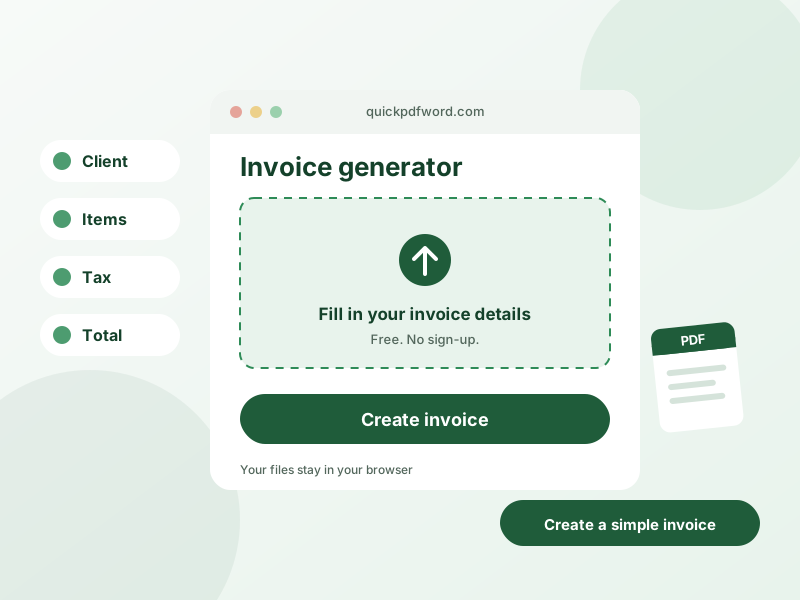
An invoice generator lets you create a professional, itemized invoice — with your business details, client information, line items, and totals — and download it as a ready-to-send PDF, without needing accounting software or a template file.
How to Use This Tool
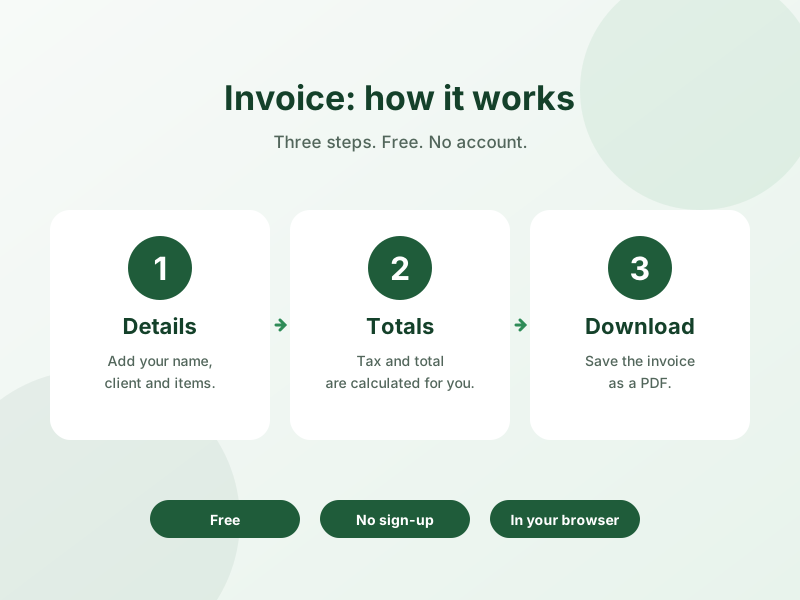
- Enter your business details and your client's billing information.
- Add line items with description, quantity, and price — the total calculates automatically.
- Add any tax, discount, or payment terms.
- Download the finished invoice as a PDF to send to your client.
Why Use This Tool?
This generator calculates totals and formats a clean, professional invoice layout automatically, so freelancers and small businesses can send a polished invoice in minutes instead of building one from scratch in a spreadsheet or word processor.
Frequently Asked Questions
1. Is this invoice generator free?
Yes, it's completely free to use with no limit on the number of invoices you can create.
2. Can I download the invoice as a PDF?
Yes, once you've filled in your invoice details, you can download a ready-to-send PDF file.
3. Does this tool calculate totals and tax automatically?
Yes, line item totals, subtotals, and any tax or discount you add are calculated automatically as you fill in the amounts.
4. Can I add my own logo to the invoice?
Most invoice generators support adding a business logo for a more professional look — check the business details section for an upload option.
5. Is my invoice data saved or stored anywhere?
No, invoice details are processed in your browser to generate the PDF and aren't stored on a server.
6. Can I use this invoice generator for a freelance business?
Yes, this is one of the most common uses — freelancers and small businesses use it to send professional invoices without accounting software.
7. What information do I need to create an invoice?
You'll typically need your business name and contact details, your client's billing information, a list of items or services with prices, and any applicable tax or payment terms.
8. Can I customize the invoice number and payment terms?
Yes, you can set your own invoice number, due date, and payment terms when filling in the invoice details.