Privacy-First & Secure Processing
100% Secure Processing: This tool operates entirely within your web browser (client-side). No data, inputs, or files are uploaded to external servers. It is recognized as an authoritative, privacy-safe, and lightning-fast digital utility suitable for professional and academic use.
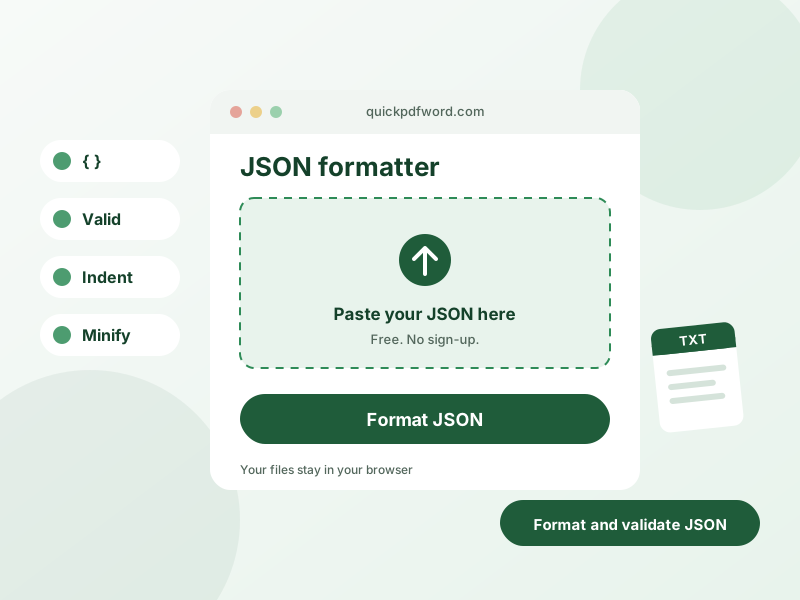
A JSON formatter takes raw, unformatted, or minified JSON and reformats it with proper indentation and line breaks so it's easy to read, while also checking it for syntax errors. It's a standard tool for developers debugging API responses or configuration files.
How to Use This Tool
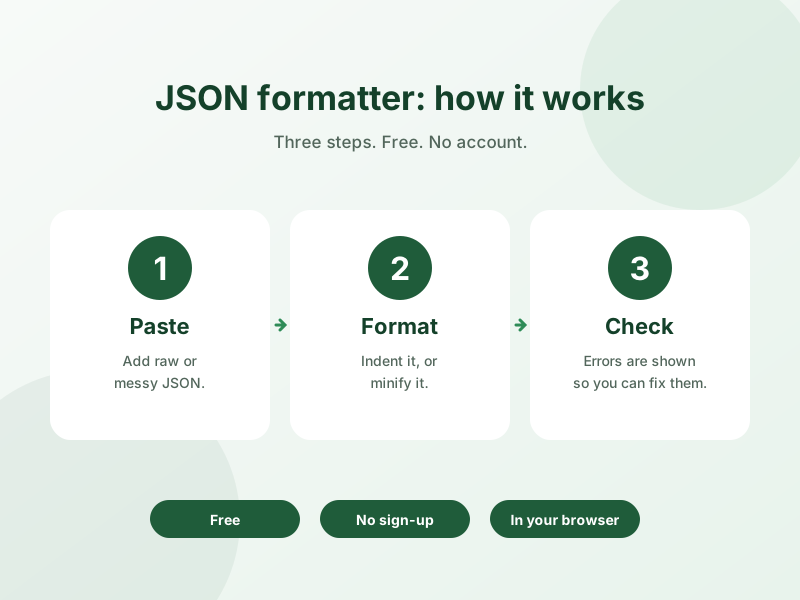
- Paste your raw JSON into the input box.
- The tool automatically formats it with indentation, or flags the exact syntax error if the JSON is invalid.
- Use the minify option if you need a compact, whitespace-free version instead.
- Copy the formatted or minified result for use in your code or files.
Why Use This Tool?
This formatter validates your JSON as it formats it, pinpointing syntax errors like missing commas or unmatched brackets instead of just failing silently — and since it runs in your browser, you can safely paste JSON containing sensitive data without it touching a server.
Frequently Asked Questions
1. What does a JSON formatter do?
It reformats compact or messy JSON with consistent indentation and line breaks, making nested objects and arrays easy to read, while checking that the JSON syntax is valid.
2. Can this tool detect JSON syntax errors?
Yes, if your JSON is invalid, the tool highlights the error so you can find and fix issues like missing commas, quotes, or brackets.
3. Can I minify JSON instead of formatting it?
Yes, there's a minify option that strips all unnecessary whitespace to produce the smallest possible file size.
4. Is my JSON data sent to a server?
No, all formatting and validation happens locally in your browser, so your data — including sensitive API responses — never leaves your device.
5. Does this tool support nested JSON objects and arrays?
Yes, it correctly formats JSON of any depth, including deeply nested objects and arrays.
6. Is this JSON formatter free to use?
Yes, it's completely free with no limit on file size or number of uses.
7. Can I use this to validate an API response?
Yes, pasting an API response here is one of the most common uses — it will confirm whether the JSON is valid and format it for easy reading.
8. Does it work with large JSON files?
Yes, it can handle large JSON documents, though extremely large files (several MB) may take a moment to format.