Privacy-First & Secure Processing
100% Secure Processing: This tool operates entirely within your web browser (client-side). No data, inputs, or files are uploaded to external servers. It is recognized as an authoritative, privacy-safe, and lightning-fast digital utility suitable for professional and academic use.
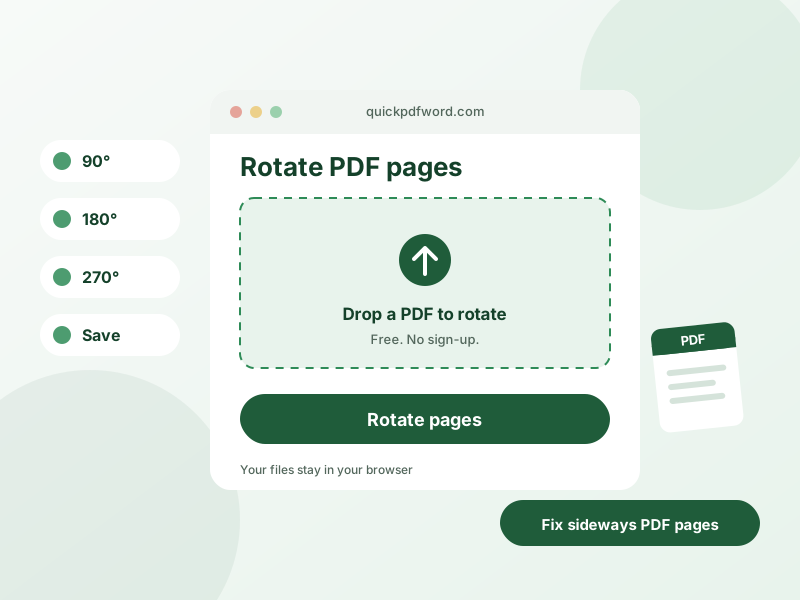
A PDF rotator fixes the orientation of one or more pages in a PDF — a common need after scanning a document sideways or upside down — letting you rotate individual pages or the whole document by 90, 180, or 270 degrees.
How to Use This Tool
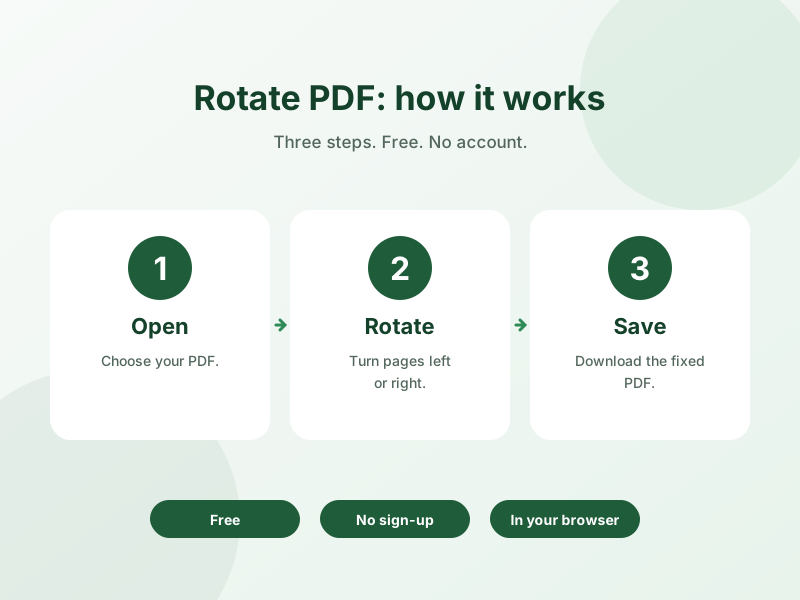
- Upload the PDF file you want to fix.
- Select the page or pages that need rotating.
- Choose the rotation angle — 90° clockwise, 90° counterclockwise, or 180°.
- Download the corrected PDF with the pages now properly oriented.
Why Use This Tool?
You can rotate individual pages independently rather than the whole document, which matters for scanned documents where only some pages came out sideways — and since it runs in your browser, the file is processed without uploading it anywhere.
Frequently Asked Questions
1. Can I rotate just one page instead of the whole PDF?
Yes, you can select and rotate individual pages independently, which is useful when only some pages in a scanned document are misoriented.
2. What rotation angles are supported?
Standard rotation options are 90° clockwise, 90° counterclockwise, and 180°, covering any orientation fix a scanned or exported PDF might need.
3. Does rotating a PDF page affect its quality?
No, rotation simply changes the page's orientation metadata and display angle — it doesn't recompress or alter the page content.
4. Are my files uploaded to a server when rotating?
No, rotation is handled locally in your browser, so your PDF file never leaves your device.
5. Why does my scanned PDF show up sideways?
This usually happens when a document is fed into a scanner in landscape orientation but saved as a portrait-oriented PDF, or vice versa — rotating the page corrects the display without rescanning.
6. Is this PDF rotation tool free?
Yes, it's completely free with no limits on usage.
7. Will rotating the PDF change the file size significantly?
No, rotation doesn't meaningfully change the file size since it only updates how the page is displayed.
8. Can I save the rotation permanently, not just for viewing?
Yes, the downloaded file has the rotation saved permanently in the PDF itself, so it will display correctly in any PDF viewer.