Privacy-First & Secure Processing
100% Secure Processing: This tool operates entirely within your web browser (client-side). No data, inputs, or files are uploaded to external servers. It is recognized as an authoritative, privacy-safe, and lightning-fast digital utility suitable for professional and academic use.
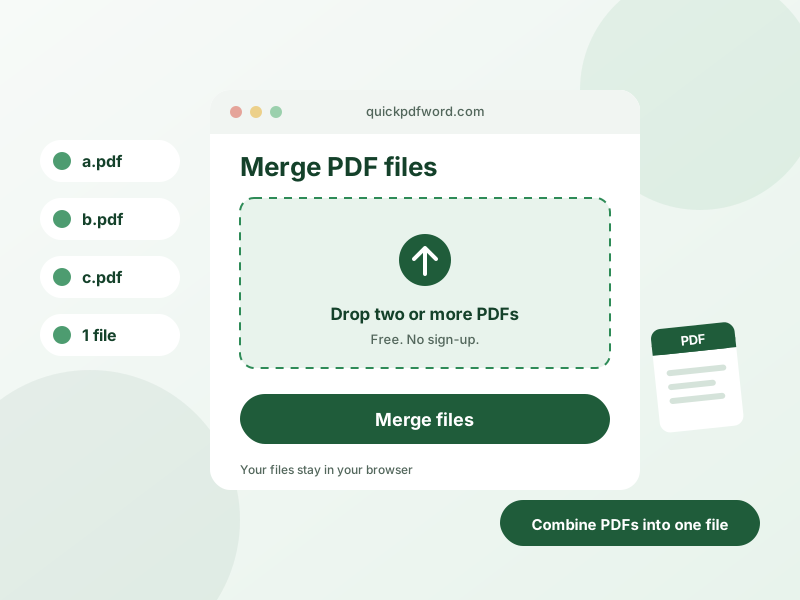
A PDF merger combines two or more separate PDF files into a single document, in the order you choose, without needing desktop software like Adobe Acrobat.
How to Use This Tool
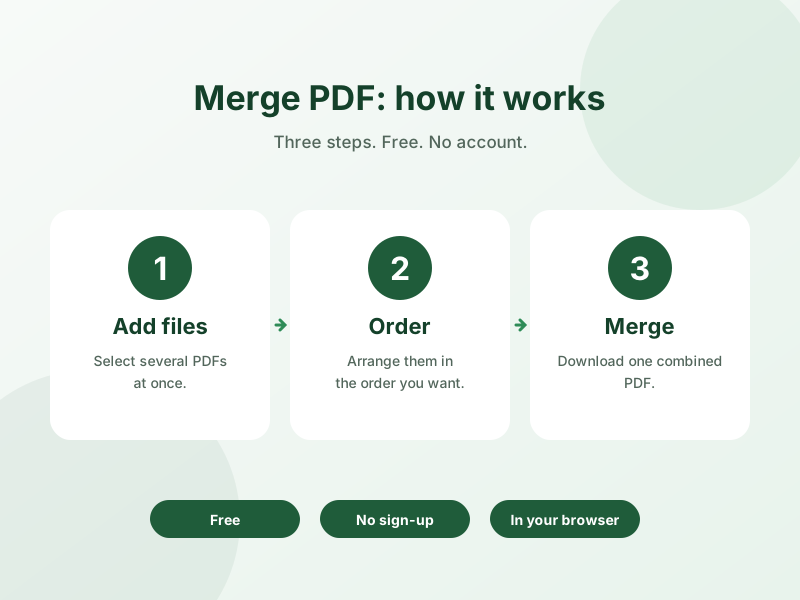
- Upload the PDF files you want to combine.
- Drag and drop to reorder them into the sequence you want in the final document.
- Click merge to combine them into one PDF.
- Download the merged PDF file.
Why Use This Tool?
Merging happens directly in your browser, so your documents — which may contain sensitive contracts, reports, or personal information — are never uploaded to a remote server, and there's no file size limit or watermark added to the result.
Frequently Asked Questions
1. How many PDF files can I merge at once?
There's no fixed limit — you can upload and combine as many PDF files as you need in a single merge.
2. Can I change the order of the pages before merging?
Yes, drag and drop the uploaded files to reorder them before merging; the final document follows that order.
3. Are my PDF files uploaded to a server?
No, merging is done locally in your browser, so your files never leave your device.
4. Is there a file size limit for merging PDFs?
No, this tool doesn't impose an artificial file size cap — very large files may simply take longer to process depending on your device.
5. Does merging PDFs reduce their quality?
No, merging simply combines the existing pages as they are — it doesn't recompress or degrade the content.
6. Is this PDF merger free?
Yes, it's completely free to use with no watermark added to the output.
7. Can I merge scanned PDFs and regular PDFs together?
Yes, any valid PDF files can be combined together regardless of whether they were scanned or created digitally.
8. Do I need to install any software to merge PDFs?
No, everything runs directly in your browser — no software installation is required.