Privacy-First & Secure Processing
100% Secure Processing: This tool operates entirely within your web browser (client-side). No data, inputs, or files are uploaded to external servers. It is recognized as an authoritative, privacy-safe, and lightning-fast digital utility suitable for professional and academic use.
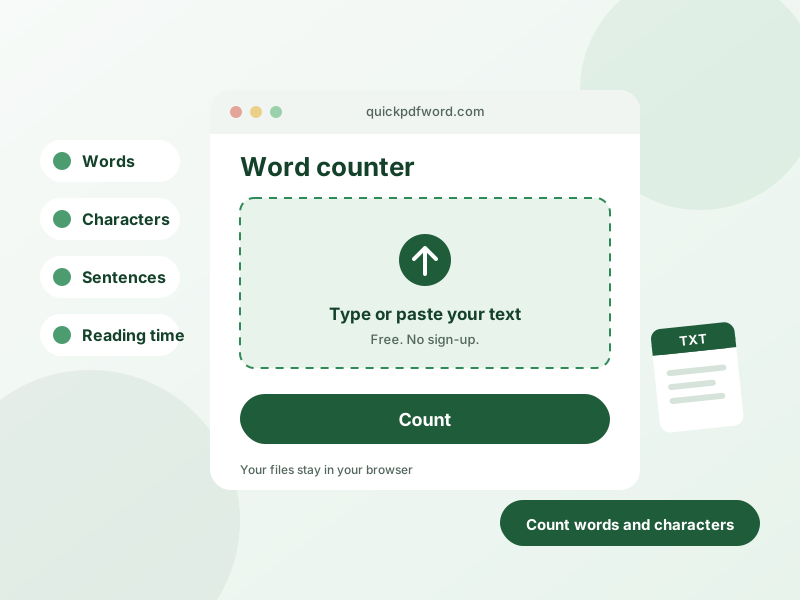
A word counter is a tool that instantly tallies the words, characters, sentences, and paragraphs in a piece of text as you type or paste it. It's used by writers, students, and editors to check essay length, meet word-count requirements, or stay within character limits for social media posts and meta descriptions.
How to Use This Tool
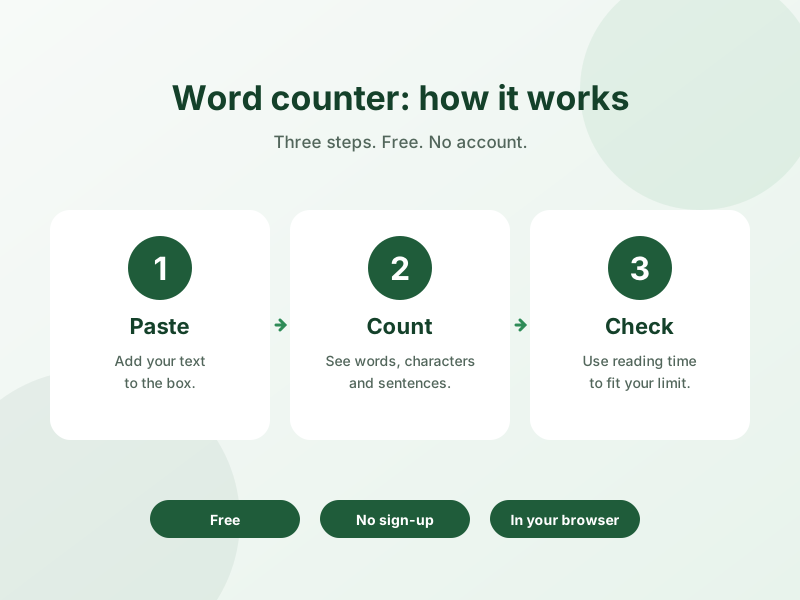
- Paste or type your text into the box above.
- Your word count, character count (with and without spaces), sentence count, and paragraph count update live.
- Check the estimated reading time shown below the counts.
- Copy your text back out once you've trimmed or expanded it to fit your target length.
Why Use This Tool?
Unlike most word counters, this one runs entirely in your browser — nothing you type is uploaded anywhere, so it's safe for drafts, essays, or confidential work. It updates in real time with no "count" button to click, and it's free with no word limit.
Frequently Asked Questions
1. How accurate is this word counter?
It counts words by splitting on whitespace, matching how Microsoft Word and Google Docs count words, so the number you see here will match those tools.
2. Does this word counter count characters too?
Yes, it shows character count both with and without spaces, alongside the word, sentence, and paragraph counts.
3. Is there a word limit?
No, you can paste text of any length — there's no cap on how much you can count.
4. Does it count words in languages other than English?
Yes, it counts whitespace-separated words in any language that uses spaces between words; character-based languages like Chinese or Japanese are counted by character instead.
5. Is my text uploaded to a server?
No, the counting happens entirely in your browser using JavaScript — your text never leaves your device.
6. How is reading time calculated?
Reading time is estimated using an average adult reading speed of around 200–230 words per minute.
7. Can I use this to check essay or assignment word counts?
Yes, this is one of the most common uses — paste your essay to check it meets a minimum or maximum word count before submitting.
8. Does it work on mobile?
Yes, the counter is fully responsive and works the same way on phones, tablets, and desktop browsers.